
How to Use Library Management Software: A Step-by-Step Tutorial for Beginners
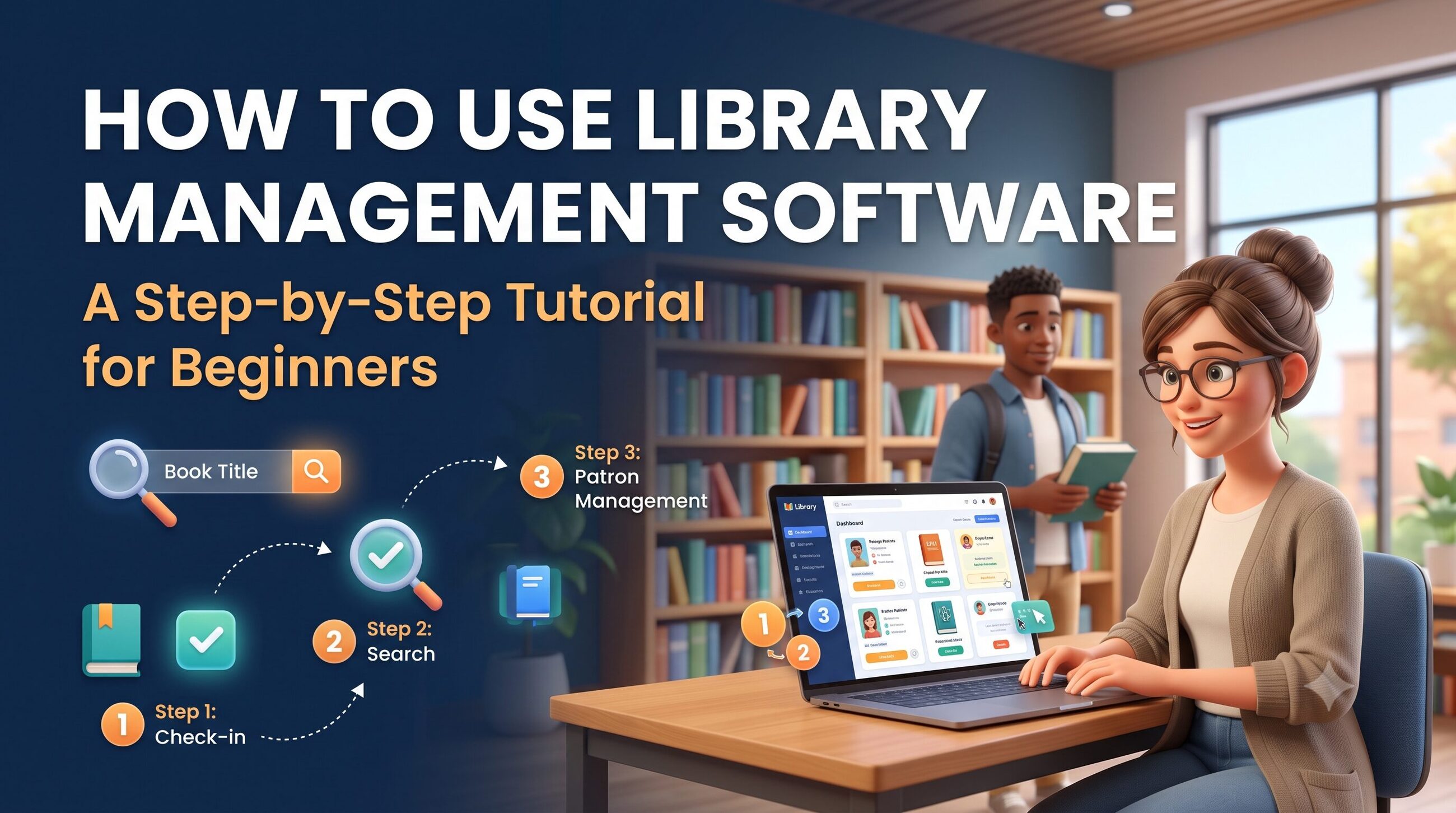
Managing a library involves much more than arranging books on shelves. Librarians must maintain book records, register members, track loans and returns, manage overdue items, and help readers find the resources they need. When these tasks are handled manually, errors and delays can make everyday library operations difficult.
Library management software simplifies these responsibilities by bringing important library activities into one digital system. It helps librarians organize collections, manage member accounts, automate circulation, and generate reports. Schools, colleges, universities, public libraries, and private collections can use library software to improve organization and save time.
But how do beginners get started? This step-by-step tutorial explains how to set up and use a library management system, from adding books to tracking returns and reviewing reports.
Whether you are a student, librarian, school administrator, or library owner, this guide will help you understand the basic workflow and choose the right features for your needs.
Key Takeaways
Library management software organizes book records, member information, borrowing transactions, and library resources.
Beginners should start by configuring library settings, creating member accounts, and importing or adding book records.
Cataloguing, circulation, barcode scanning, search, and reporting are common library management system features.
Free library management software can be a useful starting point, but check its support, security, and feature limitations.
Test the system with a small collection before moving all library records into it.
Regular backups, accurate data entry, and staff training help maintain reliable library operations.
What Is Library Management Software?
Library management software is a digital tool used to organize library collections and automate routine administrative tasks. Depending on the product, it can manage book catalogues, member records, checkouts, returns, reservations, fines, digital resources, and reports.
A library management system typically connects these functions through a shared database. When a librarian issues a book, for example, the system updates its availability and records which member has borrowed it.
Some platforms focus on basic circulation and cataloguing, while others support multiple branches, electronic resources, online public access catalogues (OPACs), and integrations with educational systems.
If you want to understand the terminology before getting started, read Library Management Software vs. Library Management System. This related article can explain the differences and similarities between the two terms.
How to Use Library Management Software: A Step-by-Step Tutorial
The exact interface varies by provider, but most library platforms follow a similar workflow. Use these steps as a beginner's checklist.
Step 1: Choose and Set Up Your Library Software
First, select a system that matches your library's size, budget, collection, and daily requirements.
For example, a small school library may need book cataloguing, member registration, and checkout tracking. A university library may also require multiple user roles, journal management, digital resources, and detailed reports.
Before installing or subscribing, check whether the software is cloud-based or installed locally. Cloud-based systems are generally accessed through a browser, while locally hosted systems may require installation and maintenance on designated computers or servers.
After selecting your platform:
Create an administrator account.
Enter the library name and basic information.
Configure the relevant date, language, and notification settings.
Create staff accounts and assign appropriate permissions.
Review the available modules and enable the ones you need.
Avoid activating every feature immediately. Start with essential functions and introduce additional modules as your team becomes comfortable.
Step 2: Add Books and Create Catalogue Records
The catalogue is the foundation of an effective library management system. It stores information that helps staff and readers identify and locate library materials.
For each item, enter the available details, such as:
Book title and author
ISBN or other identification number
Publisher and publication year
Edition and language
Subject, category, or classification number
Shelf or location information
Accession number or item ID
Number of copies and current status
For example, if a library has five copies of the same textbook, the system should distinguish the individual copies when necessary. This helps librarians track which copy is available, borrowed, reserved, or missing.
Many platforms support bulk imports through spreadsheets or structured data files. If you already maintain a book inventory, check whether the software supports importing your existing records. Clean the data first, remove duplicates, and confirm that fields match the import template.
Beginner tip: Add a small sample collection first and test the search function. Confirm that titles, authors, categories, and shelf locations appear correctly before importing the entire catalogue.
Step 3: Register Library Members
Once your catalogue is ready, create member records. Members may include students, teachers, employees, researchers, or community readers.
Depending on your library's requirements, a member record can include:
Member ID
Name and approved contact information
Membership type
Registration and expiry dates
Borrowing limits
Loan duration
Account status
Assign each member a unique ID or membership card number. If the software supports barcode cards, these can make identification faster during checkouts and returns.
Set borrowing rules according to your library's policies. For instance, students and staff may have different loan periods or borrowing limits. Configure these rules carefully so that the system applies the correct conditions.
Collect only the personal information required to operate the library, restrict access to member records, and follow applicable privacy and data-protection requirements.
Step 4: Configure Library Management System Features
After entering books and members, configure the features your team will use regularly.
Common library management system features include:
Cataloguing: Stores and organizes bibliographic and item-level records.
Circulation management: Records book issues, returns, renewals, and loan status.
Barcode support: Helps identify books and members quickly.
Search and OPAC: Allows users to search the collection and, where supported, check availability online.
Reservations: Manages requests for books that are currently unavailable.
Overdue notifications: Sends reminders when supported and configured.
Inventory management: Helps reconcile physical materials with database records.
Reporting and analytics: Provides information about borrowing, collection usage, and overdue items.
Digital resource management: Organizes supported electronic books and other digital materials.
Not every product includes every feature. Review your selected platform's documentation to confirm what is available in your plan.
For more guidance on selecting suitable functions, internally link this section to How to choose the best library management software?
Step 5: Issue Books to Members
Issuing books is one of the most frequent library tasks. In most systems, the process follows a straightforward sequence:
Open the circulation or checkout module.
Search for the member or scan their membership barcode.
Search for the book or scan its barcode.
Confirm that the item is available and the member is eligible to borrow it.
Review the due date and applicable loan rules.
Complete the transaction and provide a receipt or notification if supported.
The software should update the item's status so that staff can see that it has been checked out.
For example, if a student borrows a science textbook for seven days, the system records the transaction and calculates the due date according to the configured policy.
Always verify the member and item before confirming a transaction. This simple check reduces the risk of assigning a book to the wrong account.
Step 6: Process Returns, Renewals, and Reservations
When a reader returns a book, open the return module and scan or search for the item. The system should locate its loan record and update the status after the return is confirmed.
If the item is overdue, the system may calculate a fine or flag the transaction according to your library's rules. Check the record before applying or waiving any charge.
For renewals, locate the existing loan, review any restrictions, and extend the due date if permitted. A renewal may be blocked when another member has reserved the item.
If reservations are supported, members or staff can place a request for an unavailable book. When the book is returned, the librarian can follow the platform's reservation workflow to notify the next eligible member.
Consistently recording these transactions helps keep the catalogue accurate and prevents confusion about book availability.
Step 7: Search the Catalogue and Help Readers
A well-maintained catalogue makes it easier for readers to find relevant resources.
Use the search function to locate books by title, author, ISBN, subject, or other supported fields. Filters may help narrow results by publication year, format, language, category, or availability.
If your platform includes an online public access catalogue, readers may be able to search the collection without visiting the library desk.
When helping a reader, verify the item's availability and shelf location. If a book is checked out, explain whether a reservation or alternative edition is available.
For digital collections, check whether the platform supports access links, licence restrictions, or authentication requirements. A catalogue record for an electronic resource does not automatically mean the library owns unlimited digital access rights.
Step 8: Generate Reports and Track Library Performance
Reports help librarians understand how the collection is being used and where improvements may be needed.
Common reports include:
Books issued and returned during a selected period
Overdue items and outstanding fines
Most frequently borrowed titles
Inactive or expired memberships
New acquisitions and collection growth
Missing, damaged, or unaccounted-for items
Circulation trends by category or period
Use these reports to make practical decisions. If a subject category has high borrowing demand, the library may consider purchasing additional copies. If certain materials have not circulated for a long time, staff can review their relevance, discoverability, or location.
Report availability varies by product, and the numbers should be checked for completeness before being used for budgeting or policy decisions.
Step 9: Perform Inventory Checks and Back Up Data
Digital records are useful only when they reflect the physical collection accurately. Schedule periodic inventory checks to compare shelf items with the software database.
Scan books or verify accession numbers, investigate missing records, and update the status of damaged or withdrawn materials. Avoid deleting historical transaction records unless the system's retention rules and your policies permit it.
Also establish a backup routine. Confirm where backups are stored, who can access them, and how restoration works. For cloud-based software, review the provider's backup and recovery policies rather than assuming every detail is covered automatically.
Train staff on the correct workflow and document procedures for adding books, issuing items, processing returns, and correcting mistakes.
Digital Library Software List: Tools Beginners Can Explore
If you are researching a digital library software list or a library automation software list, compare tools according to your library's requirements rather than choosing based on popularity alone.
SoftwareSuggest's library management software directory includes a range of products and provides information about features, reviews, and pricing where available. Its listings include the following examples.
Koha ILS: An open-source integrated library system that libraries can evaluate for cataloguing, circulation, and other library workflows.
Evergreen ILS: An open-source integrated library system worth researching for libraries with broader operational needs.
CodeAchi Library: Listed as a library solution with functions such as barcode integration, circulation, and member management.
Destiny Library Manager: A library management option associated with school library environments.
Sierra: An integrated library platform that libraries can evaluate for collection and circulation workflows.
LibraryWorld: A web-based library service listed with functions including circulation, inventory, and reporting.
GLIBRARY: A library software option with features such as cataloguing, barcode integration, and reporting.
Alexandria: A platform listed with functions including cataloguing, circulation, and digital resource management.
This is a research shortlist, not a definitive ranking or endorsement. Features, support, pricing, licensing, and availability may change. Verify details directly with each provider before making a purchase.
Is Free Library Management Software a Good Choice?
Free library management software can be suitable for a small collection, a pilot project, or an organization with limited funding. Some products offer free plans or trials, while open-source systems may allow greater control over configuration.
However, “free” does not always mean there are no operating costs. Hosting, installation, maintenance, data migration, training, support, and custom development may require time or money.
Before deciding, confirm:
Whether the free option supports your collection size
Whether essential checkout and reporting features are included
Whether data can be exported and backed up
What technical skills are needed for installation and maintenance
Whether support and security updates are available
A practical approach is to test the software with sample records and a small group of users before migrating your full collection.
Common Mistakes Beginners Should Avoid
Even user-friendly library software can produce unreliable results when it is configured or used incorrectly. Avoid these common mistakes:
Importing unverified records: Duplicate or incomplete data makes searching and inventory checks harder.
Skipping staff training: Different workflows can lead to inconsistent records and transaction errors.
Ignoring permissions: Too many users with administrator access can expose sensitive records or allow accidental changes.
Failing to back up data: Without a recovery plan, technical problems can interrupt library operations.
Choosing features without a needs assessment: Expensive modules may provide little value if your library does not need them.
Relying on reports without checking accuracy: Incorrect settings or missing transactions can distort performance figures.
For a practical example of how better workflows can improve results, link to How a Library Improved Book Tracking and Circulation Efficiency. You can also connect readers to How Library Management Software Transformed Library Operations for a broader operational perspective.
Frequently Asked Questions
1. How do beginners use library management software?
Beginners should configure the library, add book records, register members, set borrowing rules, and test checkout and return workflows. They can then learn search, reservations, reporting, and inventory features.
2. What are the main features of a library management system?
Common features include cataloguing, circulation, member management, barcode scanning, catalogue search, reservations, inventory tracking, and reporting. Advanced systems may also support digital resources and multiple branches.
3. Can I use free library management software?
Yes. Some tools offer free plans, trials, or open-source versions. Check the feature limits, maintenance requirements, technical support, security, and data export options before choosing one.
4. What is the difference between library software and digital library software?
Traditional library software often focuses on physical collection records and circulation. Digital library software may also organize and provide access to electronic resources. Some platforms support both, but digital access depends on the product's features and resource licences.
5. How long does it take to set up a library management system?
The time required depends on the number of books and members, the quality of existing records, and the software's complexity. A small library with clean data may set up basic functions relatively quickly, while a large institution may need more planning, migration, testing, and training.
6. How do I choose the best library management software?
Compare ease of use, essential features, scalability, total cost, security, support, integrations, and data migration options. Test the shortlisted products against your real workflows before committing. For a detailed evaluation framework, see Expert Guide to Choosing Library Management Software.
Conclusion
Learning how to use library management software becomes easier when you approach it one task at a time. Start by setting up the system, organizing book records, registering members, and configuring circulation rules. Then practise issuing and returning books, searching the catalogue, generating reports, and checking inventory.
The best library management system is not necessarily the one with the largest feature list. It is the one that fits your library's daily operations, helps maintain accurate records, protects member information, and can grow with your needs.
Begin with a small test collection, train staff on consistent procedures, and review the results before moving to full implementation. With careful setup and regular maintenance, library software can make everyday library work more organized, reliable, and accessible.