
Gaming Table for PC: Complete Buying Guide, Sizes, Types, Features & Setup Ideas
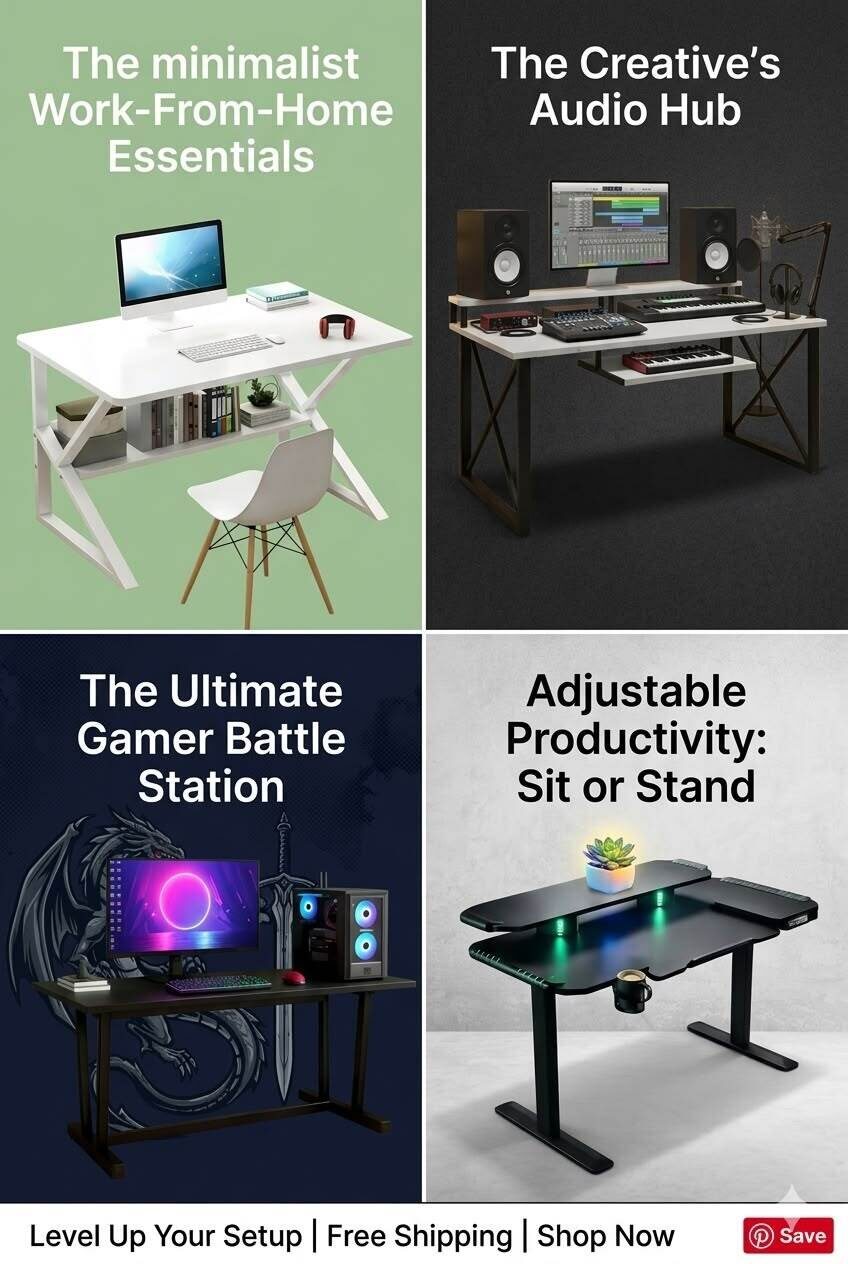
A gaming table for PC is more than a place to keep your computer. The right table creates a comfortable, organized, and functional gaming environment where your monitor, keyboard, mouse, speakers, PC tower, and other accessories can fit without making the space feel crowded.
Whether you are building your first gaming setup, upgrading an existing gaming desk, or looking for a desk that can double as a workspace or study area, choosing the right size and design matters.
A good gaming table should provide enough surface area, stability, cable management, and comfortable legroom while matching your room and gaming requirements.
This complete guide explains gaming table types, recommended sizes, essential features, setup ideas, and how to choose the right table for your PC.
Key Takeaways
- Choose a gaming table based on your PC setup, monitor count, room size, and available accessories.
- A 120–140 cm table is generally suitable for a basic single-monitor setup.
- A 140–160 cm table provides more room for larger monitors and accessories.
- Dual-monitor and streaming setups benefit from wider desks or L-shaped designs.
- Look for sturdy construction, sufficient depth, cable management, and adequate legroom.
- An IKEA gaming desk or customized IKEA gaming table can be a practical option for budget-conscious setups.
- If you also study or work from home, consider a versatile desk that can function as both a gaming and study table.
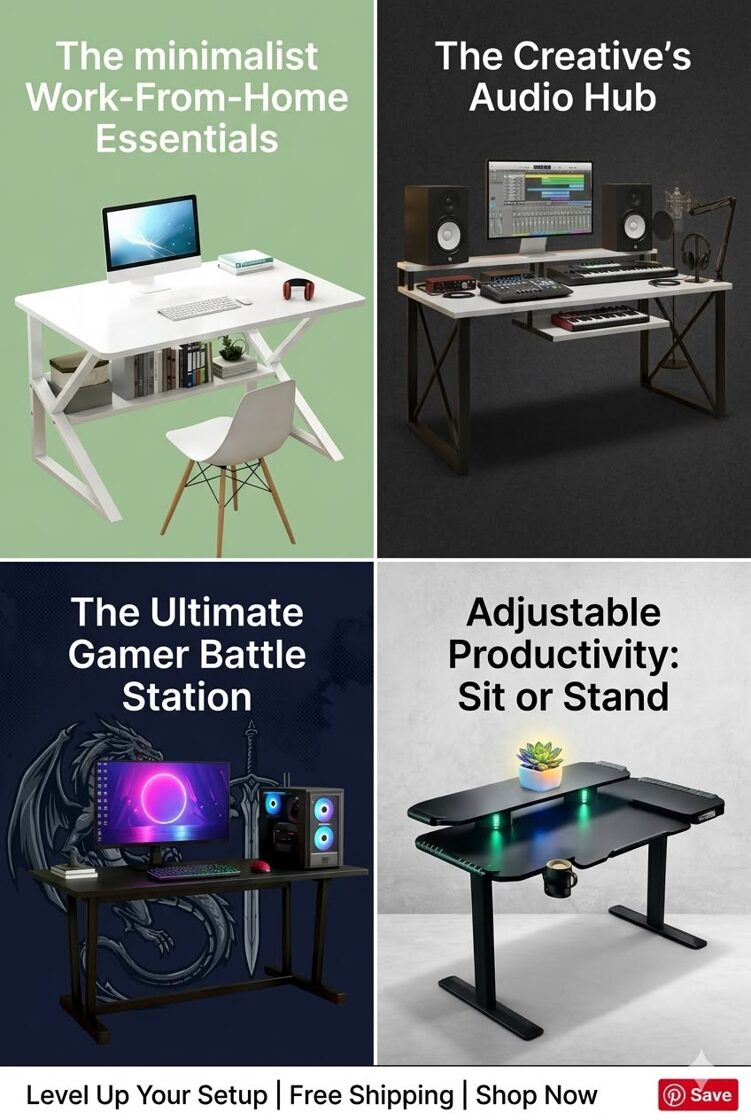
What Is a Gaming Table for PC?
A gaming table for PC is a desk designed or configured specifically for computer gaming. Compared with a conventional desk, a gaming table typically focuses on features such as larger usable surface area, cable management, monitor support, sturdy construction, headphone hooks, cup holders, and sometimes RGB lighting.
The ideal gaming table depends on your setup.
For example:
- A casual gamer may need only a compact desk and one monitor.
- A competitive gamer may need space for a large monitor, keyboard and mouse.
- A streamer may require multiple monitors, a microphone arm, speakers, and lighting.
- A content creator may need an L-shaped workstation with additional storage.
Therefore, there is no single "best" gaming table for everyone.
How to Choose the Right Gaming Table Size
What is the best size for a gaming table?
The answer depends on your equipment and available room.
| Gaming Setup | Recommended Width | Recommended Depth |
|---|---|---|
| Basic PC setup | 100–120 cm | 50–60 cm |
| Single-monitor gaming | 120–140 cm | 60–70 cm |
| Large single monitor | 140–160 cm | 65–75 cm |
| Dual-monitor setup | 140–180 cm | 65–80 cm |
| Streaming setup | 160–200+ cm | 70–80+ cm |
| Multi-purpose workspace | 120–160 cm | 60–75 cm |
| L-shaped setup | 150–200+ cm | 120–160+ cm |
These are practical planning ranges rather than strict standards. Always measure your room and equipment before buying.
1. Small Gaming Table
A small gaming table works well for bedrooms, apartments, dorm rooms, and compact gaming spaces.
A table around 100–120 cm wide can accommodate:
- One monitor
- Keyboard
- Mouse
- Small speakers
- Headset
- Gaming accessories
If your room is limited, avoid buying a large desk simply because it looks impressive online.
2. Medium Gaming Table
A 120–160 cm gaming table offers a good balance between space and practicality.
This size can accommodate a larger monitor, gaming keyboard, mousepad, speakers, and other accessories.
For many PC gamers, this is the most versatile option.
3. Large Gaming Table
If you use two monitors, a microphone, speakers, controller, camera, and other equipment, consider a table measuring approximately 160 cm or wider.
Large tables are particularly useful for streamers and content creators.
Types of Gaming Tables for PC
1. Straight Gaming Desk
The traditional rectangular gaming desk is one of the simplest choices.
It is ideal for:
- Single-monitor setups
- Small rooms
- First-time gamers
- Minimalist setups
- Gaming and studying
A straight gaming desk is also easier to position against a wall.
2. L-Shaped Gaming Table
An L-shaped gaming table provides significantly more surface area while fitting naturally into corners.
It can separate different activities:
Main side: Gaming monitor, keyboard and mouse
Second side: Laptop, second monitor, speakers, streaming equipment or study materials
For streamers, an L-shaped design can be particularly useful because one side can serve as the main gaming area while the other holds streaming equipment.
3. Corner Gaming Table
A corner table is designed to maximize otherwise unused room space.
It can be a good choice if you have:
- A small gaming room
- A dedicated corner
- Multiple monitors
- Additional gaming accessories
Before buying one, measure both walls and check whether doors, windows, and electrical outlets will remain accessible.
4. Height-Adjustable Gaming Desk
A height-adjustable desk allows you to alternate between sitting and standing.
This can be useful if you spend many hours gaming, working, or studying at your desk.
When considering a height-adjustable model, check:
- Height range
- Weight capacity
- Frame stability
- Motor quality
- Noise level
- Cable management
5. Gaming Table With Storage
Some gaming tables include drawers, shelves, cabinets, or under-desk storage.
These are useful for keeping:
- Controllers
- Headsets
- Cables
- Game accessories
- Notebooks
- Chargers
- Documents
However, don't sacrifice legroom for unnecessary storage.
Gaming Table vs Regular Study Table
Can a study table work as a gaming table?
Yes.
A good study table can work perfectly well for PC gaming if it provides sufficient width, depth, stability, and legroom.
This is particularly useful for students who need one workstation for both gaming and studying.
For example, a study table for students can accommodate:
- Monitor
- Keyboard
- Mouse
- Books
- Notebook
- Laptop
- Speakers
If you are purchasing furniture for both purposes, consider a neutral design instead of a heavily gaming-focused model.
A study table with chair can also become a complete workstation, although the chair should provide proper support and comfortable adjustment.
In other words, you don't necessarily need separate study tables and gaming furniture.
What About an IKEA Gaming Desk?
An IKEA gaming desk can be an attractive option for people who want a simple, customizable workspace.
An IKEA gaming table setup can be created by combining a tabletop with suitable legs, drawers, or storage units.
The main advantage of this approach is flexibility. You can select the tabletop size, storage configuration, and overall layout according to your room.
However, don't choose a desk simply because it is marketed as a gaming desk.
Check:
- Tabletop dimensions
- Maximum supported weight
- Frame strength
- Legroom
- Cable routing
- Monitor-arm compatibility
- PC tower placement
Your actual gaming equipment should determine the table you choose.
7 Essential Features of a Gaming Table for PC
1. Strong and Stable Construction
Stability is one of the most important characteristics.
A table that shakes whenever you move the mouse or type can quickly become frustrating.
Look for a sturdy frame and tabletop that can support your equipment without excessive flexing.
2. Adequate Depth
Width isn't everything.
A desk that is wide but too shallow may leave your monitor too close to you.
A deeper tabletop provides more room for your monitor, keyboard, mousepad, speakers, and other equipment.
3. Cable Management
Cable management can dramatically improve the appearance of a gaming setup.
Look for:
- Cable holes
- Under-desk trays
- Cable clips
- Built-in channels
- Rear cable routing
Keep power cables and peripheral cables organized instead of allowing them to hang randomly behind the desk.
4. Monitor Support
If you're using a monitor arm, check whether the tabletop supports the clamp mechanism.
For dual monitors, make sure the table is wide and deep enough for both displays without leaving the keyboard area cramped.
5. Comfortable Legroom
Don't overlook the space underneath the desk.
Avoid designs with unnecessary cabinets or supports that restrict your knees and legs.
Your gaming setup should remain comfortable during long sessions.
6. Durable Surface
Gaming involves frequent mouse movement, keyboard use, drinks, and accessories.
Choose a surface that is easy to clean and resistant to everyday wear.
Common materials include engineered wood, MDF, solid wood, metal, and glass.
7. Useful Accessories
Optional features can include:
- Headphone hook
- Cup holder
- Controller holder
- Monitor shelf
- Keyboard tray
- RGB lighting
- USB hub
- Storage drawer
These features are convenient, but they shouldn't be more important than stability, dimensions, and comfort.
Gaming Table Setup Ideaa
1. Minimal Single-Monitor Setup
For a simple gaming setup, use:
Gaming table → One monitor → Keyboard → Mouse → PC → Headset
Keep the tabletop relatively clear and place the PC tower underneath or beside the desk if airflow and accessibility allow it.
2. Dual-Monitor Setup
For productivity and gaming, place your primary monitor directly in front of you and position the secondary monitor slightly to the side.
A monitor arm can help free up tabletop space.
3. RGB Gaming Setup
RGB lighting can add personality to your gaming area.
Consider placing subtle lighting:
- Behind the monitor
- Under the tabletop
- Behind the PC
- Along the wall
Avoid excessive lighting that creates glare on your monitor.
4. Gaming + Study Setup
If you are a student, create separate zones.
Gaming zone: Monitor, keyboard, mouse and speakers
Study zone: Books, notebook, laptop and stationery
A medium-sized desk or L-shaped gaming table can work particularly well for this arrangement.
5. Streaming Setup
A streaming desk may need significantly more space.
You may need room for:
- Main monitor
- Secondary monitor
- Microphone
- Camera
- Stream controller
- Speakers
- Keyboard
- Mouse
- Headset
For this type of setup, a large straight desk or L-shaped gaming table is often more practical than a compact desk.
How to Choose the Best Gaming Table for PC
Before buying, ask yourself these seven questions:
- How many monitors will I use?
- How much space is available in my room?
- Do I need storage?
- Will I use the table for studying or working?
- Do I need cable management?
- Will I install a monitor arm?
- How much equipment will sit on the tabletop?
Answering these questions will narrow down your options quickly.
Final Verdict
The best gaming table for PC isn't necessarily the most expensive or the one with the most RGB lighting. It is the table that fits your equipment, room, budget, and daily activities.
For a basic setup, a compact straight gaming desk can be enough. For dual monitors or streaming, choose a wider and deeper table. If you're working with limited space, an L-shaped or corner gaming table can maximize the available area.
And if you're a student or remote worker, you don't necessarily need dedicated furniture for every activity. A well-designed study table with chair can also serve as a gaming workstation.
Focus first on size, stability, depth, ergonomics, cable management, and durability. Treat RGB lighting and accessories as optional extras.
Ultimately, the right gaming table should make your setup comfortable, organized, functional, and enjoyable to use every day.
Ready to Upgrade Your Gaming Setup?
Choose a gaming table that fits your PC, monitors, accessories, room, and lifestyle—and build a setup that's made for both performance and comfort.
🛒 Explore Gaming Tables & Build Your Perfect PC Setup