
10 Ways to Use AI at Work and Start the New Year More Productively
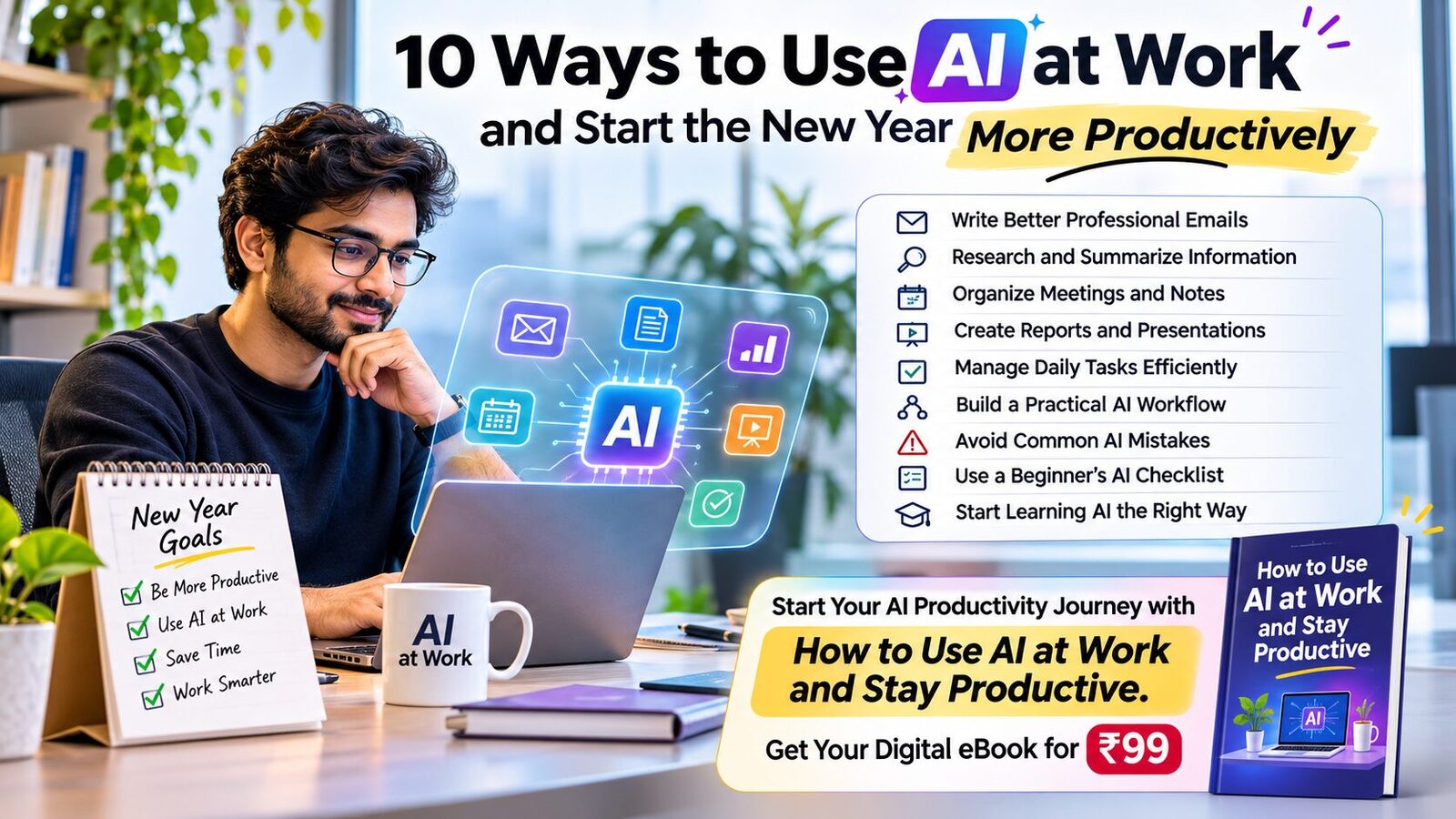
A new year brings new goals, fresh opportunities, and another chance to improve the way we work. But have you ever wondered how much time you spend every day writing emails, preparing reports, organizing meetings, researching information, and managing repetitive tasks?
These activities are essential, but they can consume hours that could be spent on more meaningful work.
This is where artificial intelligence (AI) can make a difference.
Today, artificial intelligence is changing how professionals approach everyday responsibilities. From generating professional emails to summarizing lengthy documents, AI-powered tools are helping individuals and businesses complete tasks more efficiently.
Learning how to use AI at work is no longer just an advantage for technology professionals. Whether you are a student, freelancer, marketer, business owner, manager, or office employee, understanding AI can help you improve your productivity.
The best part? You don't need programming knowledge or technical expertise to get started.
In this guide, we will explore 10 practical ways to use AI at work, discover useful AI productivity tools, understand common mistakes, and build a simple AI-powered workflow to make your professional life more productive.
1. Why AI Productivity Skills Matter in the Workplace
Workplace productivity is not simply about completing more tasks. It is about using your time, energy, and resources effectively.
Many professionals spend a significant portion of their working hours on repetitive activities such as:
Writing and responding to emails.
Searching for information online.
Preparing meeting summaries.
Creating presentations.
Organizing daily schedules.
Analyzing spreadsheets and reports.
Drafting documents and proposals.
Artificial intelligence at work can help simplify many of these responsibilities.
For example, instead of spending 30 minutes drafting an email, you can use an AI assistant to create an initial draft in seconds. Rather than manually reading a lengthy report, you can ask an AI tool to summarize its important findings.
AI does not eliminate the need for human skills. Instead, it can support decision-making, creativity, communication, and problem-solving.
Why should you learn AI productivity skills?
Save time: Reduce the effort required for repetitive tasks.
Improve communication: Write clearer emails, reports, and documents.
Work more efficiently: Organize tasks and prioritize responsibilities.
Support creativity: Generate ideas and explore different approaches.
Develop career skills: Become comfortable with technologies increasingly used across industries.
The goal is not to let AI do everything. The goal is to learn how to work smarter with AI.
2. Use AI to Write Professional Emails
Email communication is part of almost every professional role. However, writing the right email can take longer than expected.
You may need to contact a client, respond to a recruiter, follow up with a colleague, request information, or communicate an important business decision.
AI can help you prepare professional emails without starting from a blank page.
How to use AI for emails:
Generate professional email drafts.
Rewrite informal messages into business communication.
Improve grammar and sentence structure.
Create polite follow-up emails.
Adjust the tone for clients, managers, or colleagues.
Generate subject lines.
Example prompt:
"Write a professional follow-up email to a client who has not responded to my previous proposal. Keep the tone polite, friendly, and professional. Include a clear call to action."
You can also provide your original email and ask AI to improve its clarity and tone.
Useful AI productivity tools:
ChatGPT
Google Gemini
Microsoft Copilot
Grammarly
Productivity tip: Always review AI-generated emails before sending them. Check names, dates, attachments, facts, and the intended tone.
3. Research and Summarize Long Documents
Reading lengthy documents, industry reports, research papers, and business proposals can consume a considerable amount of time.
AI can help you understand complex information faster by extracting key points and organizing information into easy-to-read summaries.
For example, imagine your manager shares a 40-page industry report and asks you to identify the most important findings.
Instead of manually reading every section first, you can use a document-capable AI assistant to create an initial summary.
What can AI help you do?
Summarize lengthy reports.
Extract important statistics and findings.
Identify key recommendations.
Explain complicated concepts in simple language.
Compare information across documents.
Generate questions based on a document.
Create executive summaries.
Example prompt:
"Analyze this business report and provide a summary of its five most important findings. Organize the results into key insights, challenges, opportunities, and recommendations. Reference the relevant sections of the original document."
You can also ask follow-up questions to understand specific sections.
Important: AI summaries can miss context or misinterpret information. Verify important numbers, quotations, and conclusions against the original document.
Never upload confidential company documents to an unapproved AI platform.
4. Organize Meetings and Create Better Meeting Notes
Meetings are important for collaboration, planning, and decision-making. However, remembering every discussion point and action item can be difficult.
AI can help organize meeting information and turn unstructured notes into actionable summaries.
For example, after a project meeting, you might have several pages of rough notes containing decisions, deadlines, responsibilities, and suggestions.
You can ask AI to organize them into a structured meeting summary.
AI can help with:
Creating meeting agendas.
Organizing rough meeting notes.
Summarizing discussions.
Extracting important decisions.
Identifying action items.
Assigning tasks based on information you provide.
Drafting meeting follow-up emails.
Example prompt:
"Convert these meeting notes into a professional meeting summary. Create separate sections for discussion points, decisions made, action items, responsible team members, and deadlines. Do not invent any missing information."
Some meeting platforms also provide AI-assisted transcription and meeting summaries. Always check your organization's recording, consent, and data privacy policies before using them.
Productivity tip: End every meeting summary with clear action items. A summary is useful, but a list of responsibilities and deadlines helps move work forward.
5. Create Reports and Presentations Faster
Preparing reports and presentations is a common responsibility for professionals across departments.
Marketing teams create campaign reports, sales teams prepare performance presentations, HR teams develop recruitment reports, and managers communicate business results.
AI can help you structure these documents and speed up the initial drafting process.
How to use AI for reports:
Provide the report's purpose.
Share the relevant information or approved data.
Ask AI to organize the findings.
Request an executive summary.
Identify key observations and recommendations.
Review the output before sharing it.
Example prompt:
"Create a professional monthly marketing performance report using the information below. Include an executive summary, campaign performance, important metrics, challenges, key achievements, and recommendations for next month. Do not create statistics that are not included in the data."
AI can also help you prepare presentation outlines, slide titles, speaker notes, and visual ideas.
Useful tools include:
ChatGPT
Microsoft Copilot
Google Gemini
Canva
Gamma
Remember that a professional report needs accurate information, meaningful analysis, and clear communication. AI can assist with presentation and organization, but you remain responsible for the final result.
6. Improve Daily Task Management and Prioritization
One of the biggest productivity challenges is deciding what to work on first.
When you have multiple deadlines, meetings, emails, and ongoing projects, it is easy to become overwhelmed.
AI can help transform an unorganized task list into a practical daily schedule.
For example, you can provide a list of responsibilities and ask an AI assistant to prioritize them based on urgency, importance, estimated effort, and deadlines.
How AI can improve task management:
Organize daily responsibilities.
Break large projects into smaller tasks.
Suggest priorities.
Create weekly work plans.
Generate project checklists.
Identify potential scheduling conflicts from information you provide.
Create productivity routines.
Example prompt:
"I have eight tasks to complete today. Organize them into a realistic work schedule based on priority, urgency, and estimated time. Include short breaks and identify which tasks can be postponed."
You can also combine AI with productivity applications such as Notion, Trello, Asana, or Microsoft Planner.
AI productivity tip: Don't create an unrealistic schedule just because AI suggests one. Account for your energy, actual working hours, meetings, and unexpected responsibilities.
7. Build a Practical AI-Powered Daily Workflow
Using multiple AI productivity tools without a proper system can create unnecessary complexity.
Instead of trying every new application, build a simple workflow around your existing responsibilities.
Here is an example of how an office professional can use artificial intelligence throughout the working day.
Morning: Plan and prioritize
Ask AI to organize your daily tasks.
Identify your three most important priorities.
Prepare a checklist for the day.
Review upcoming deadlines.
During working hours: Complete tasks efficiently
Use AI to draft professional emails.
Summarize approved documents.
Generate ideas for projects.
Organize research findings.
Prepare initial report structures.
Before meetings: Prepare
Generate an agenda.
Review relevant project information.
Prepare questions and discussion points.
After meetings: Organize
Convert notes into action items.
Prepare follow-up communication.
Update your task management system.
End of the day: Review
Summarize completed responsibilities.
Identify unfinished tasks.
Prepare tomorrow's priorities.
Reflect on opportunities to improve your workflow.
The key is consistency.
You don't need 20 different AI applications. Start with one general-purpose assistant and add specialized tools only when they solve a genuine problem.
8. Common AI Mistakes to Avoid at Work
AI can improve productivity, but using it without proper judgment can create problems.
Here are some common mistakes professionals should avoid.
1. Trusting every AI-generated answer
AI systems can produce inaccurate information, outdated facts, and misleading explanations.
Always verify important information, especially when preparing financial reports, business proposals, or client-facing documents.
2. Sharing confidential information
Never upload sensitive company data, customer records, passwords, financial information, or confidential business documents to unauthorized AI platforms.
Follow your organization's AI and data security policies.
3. Using generic prompts
A vague prompt often produces a generic response.
Instead of writing "Create a report," explain the report's purpose, audience, format, available information, and desired outcome.
4. Depending on AI for every decision
AI can provide suggestions, but important professional decisions require human judgment, experience, and accountability.
5. Ignoring the final review
AI-generated content may contain grammatical errors, incorrect assumptions, or irrelevant information.
Review every important output before using it.
6. Using too many AI tools
Constantly switching between applications can reduce productivity.
Choose tools based on your actual requirements rather than following every new AI trend.
Remember: AI should improve your work, not introduce additional risks or unnecessary complexity.
9. A Beginner's AI Productivity Checklist
If you are new to artificial intelligence, getting started can feel overwhelming.
The easiest approach is to learn one task at a time.
Use this checklist to begin developing your AI productivity skills.
Choose one general-purpose AI assistant.
Learn how to write clear and specific prompts.
Practice drafting professional emails.
Summarize a non-confidential document.
Generate a daily task schedule.
Create a meeting agenda.
Prepare a basic report outline.
Explore AI tools for presentations.
Learn how to verify AI-generated information.
Understand workplace AI and data privacy policies.
Identify three repetitive tasks that AI could simplify.
Review your productivity improvements every week.
You don't have to complete everything in one day.
Start with one repetitive task and gradually expand your knowledge.
10. How to Start Learning AI and Become More Productive
Learning how to use AI at work is a practical skill that improves with regular experimentation.
You don't need to become a developer, data scientist, or AI engineer to benefit from artificial intelligence.
You need to understand how to communicate with AI tools, select the right applications, and apply them to real workplace situations.
Here is a simple learning roadmap for beginners.
Week 1: Understand AI fundamentals
Learn what artificial intelligence and generative AI mean.
Explore ChatGPT and other AI assistants.
Understand how AI prompts work.
Practice basic question-and-answer tasks.
Week 2: Apply AI to everyday work
Write emails and professional messages.
Summarize documents.
Generate ideas and outlines.
Organize daily responsibilities.
Week 3: Explore productivity applications
Experiment with AI-assisted presentations.
Explore document and spreadsheet assistance.
Understand task management workflows.
Learn about workplace automation.
Week 4: Build your own AI workflow
Identify repetitive activities.
Select appropriate AI productivity tools.
Create reusable prompts.
Evaluate the time and effort saved.
Improve your workflow based on results.
The most important thing is to move from simply experimenting with AI to using it to solve real problems.
Take the Next Step: Learn How to Use AI at Work and Stay Productive

Want to stop wasting time on repetitive tasks and start using artificial intelligence more effectively?
Learning AI becomes easier when you have a structured guide that explains practical applications instead of overwhelming you with technical concepts.
Introducing:
How to Use AI at Work and Stay Productive
This digital ebook is designed to help beginners understand how to use AI in everyday professional activities, improve their workflow, and develop practical productivity habits.
Why get this ebook?
Learn practical ways to use AI at work.
Understand how AI can support everyday office tasks.
Discover ways to improve your productivity.
Build confidence using AI-powered tools.
Start developing smarter workplace habits.
Your next productivity upgrade starts with one small step.
Get your digital ebook today for just ₹99.
Get Your Copy – How to Use AI at Work and Stay Productive
Final Thoughts
Artificial intelligence is changing how people approach everyday work. From writing emails and summarizing documents to organizing meetings and preparing reports, AI productivity tools can help professionals manage their responsibilities more effectively.
However, productivity does not come from using the largest number of tools. It comes from understanding your work, identifying repetitive activities, and applying the right technology to solve specific problems.
As you enter the new year, make learning AI one of your professional development goals.
Start small. Experiment regularly. Verify your results. Build a workflow that works for you.
Work smarter, save time, and make this your most productive year yet.