
Library Management Software Case Study: How a Library Improved Book Tracking and Circulation Efficiency
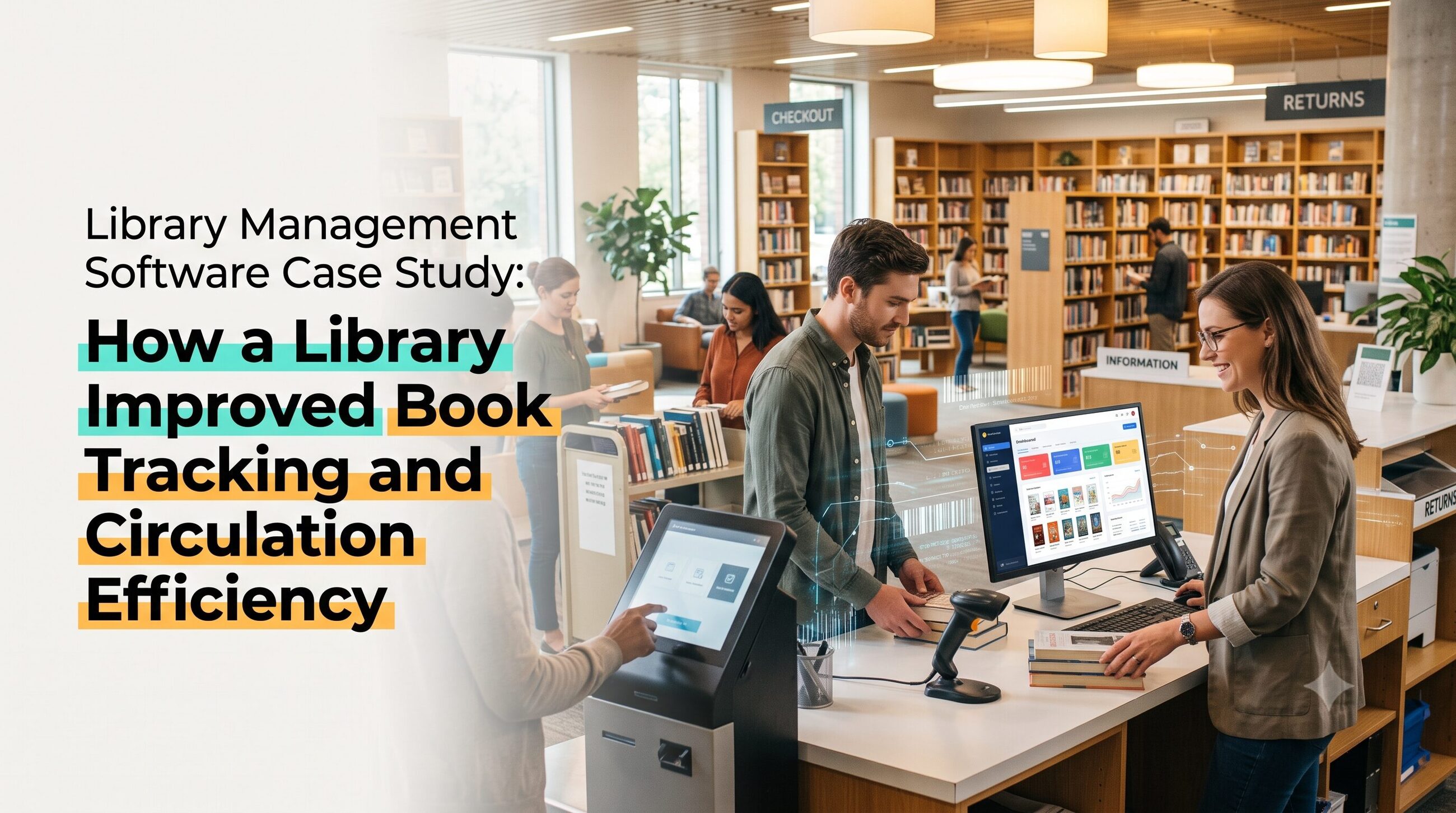
Managing hundreds or thousands of books manually can create challenges for libraries. Librarians may spend hours maintaining registers, checking book availability, tracking overdue returns, updating member records, and preparing circulation reports. These repetitive tasks can slow down service, increase the risk of errors, and make it difficult for readers to find the resources they need.
Library management software helps libraries automate cataloging, book circulation, inventory tracking, member management, and reporting through a centralized system. By replacing disconnected manual records with digital workflows, libraries can improve the accuracy of book tracking and make borrowing and returning books more efficient.
This case study explores how a hypothetical academic library could use a library management system to improve its daily operations. It also explains the implementation process, important library management system features, measurable performance indicators, and software options worth evaluating.
If you are researching library technology, this guide will help you understand how library software can address common operational challenges and how to identify a suitable solution for your institution.
Case study note: The library scenario below is illustrative, not a verified customer case. The outcomes are potential improvements, not measured results from a real institution.
Key Takeaways
Library management software centralizes book records, member information, and borrowing transactions.
Barcode scanning can make book issue and return workflows faster and more consistent.
Automated due-date reminders help staff manage overdue books and reduce manual follow-ups.
Inventory reports help librarians identify missing, misplaced, or frequently borrowed books.
The best system depends on collection size, budget, integration requirements, staff skills, and support needs.
Libraries should measure transaction time, record accuracy, overdue returns, and inventory discrepancies before and after implementation.
1. Case Study Background: A Library Facing Book Tracking Challenges
Consider a fictional college library with approximately 8,000 books and 1,200 registered members. The library serves students, faculty members, and researchers throughout the academic year.
Before introducing library automation software, the library relied on paper registers and spreadsheets to manage its collection. Staff recorded book details, borrower information, issue dates, and return dates manually.
Although this approach worked when the collection was smaller, it became increasingly difficult to manage as membership and borrowing activity grew.
The main operational problems
1. Slow book circulation: Staff had to locate the relevant register, enter transaction details, and update records whenever a book was borrowed or returned.
2. Inaccurate inventory records: Manual updates sometimes resulted in duplicate entries, incorrect book statuses, and discrepancies between records and physical shelves.
3. Limited visibility into availability: Students often needed to ask library staff whether a particular title was available instead of checking a searchable catalog.
4. Difficult overdue tracking: Librarians had to review due dates and contact members manually, consuming time that could have been spent assisting readers.
5. Time-consuming reporting: Preparing monthly circulation reports and inventory summaries required information to be collected from several records.
The library therefore needed a centralized library management system that could make everyday processes more accurate, searchable, and efficient.
2. The Solution: Implementing Library Management Software
The library evaluated its operational needs before selecting software. Its priorities were book cataloging, circulation tracking, member management, inventory control, and reporting.
Rather than choosing a platform based only on its number of features, the team focused on how well it could solve the library’s existing problems.
The proposed solution included five core capabilities.
Centralized book catalog
Every book received a digital record containing details such as title, author, ISBN, publisher, edition, subject, and location. Where appropriate, individual physical copies were tracked separately.
This allowed staff to search for books by title, author, ISBN, or category without checking multiple registers.
Barcode-based circulation
The library assigned barcode labels to books and member identification cards where supported. Staff could scan the relevant identifiers during checkout and return transactions.
The system could then update the book’s circulation status and record the transaction against the correct member account.
Automated due-date management
The software stored loan dates, return deadlines, and applicable borrowing rules. Depending on the selected platform, it could generate overdue lists and send reminders through supported communication channels.
Member management
Student and faculty records were maintained in one place, with borrowing permissions configured according to the library’s policies.
Reporting and inventory control
The librarian could generate reports on issued books, returned items, overdue loans, popular titles, and inventory discrepancies. These reports supported better collection planning and follow-up.
Together, these capabilities transformed routine library management from a collection of manual tasks into a more coordinated digital workflow.
3. How the Library Improved Book Tracking and Circulation Efficiency
The benefits of library automation come from improving specific workflows, not simply installing new software.
Faster book issue and return
Previously, staff needed to write transaction details manually and update the corresponding register. With barcode-enabled circulation, the process became more standardized.
A typical checkout workflow looked like this:
Scan the member’s library card.
Scan the book’s barcode.
Verify borrowing eligibility and availability.
Confirm the transaction and due date.
Provide a receipt or confirmation if supported.
Returns followed a similar process. Staff scanned the book, recorded the return, and made it available for borrowing again when appropriate.
The practical benefit was fewer repetitive data-entry steps and a clearer transaction history. Actual time savings would depend on the previous workflow, system performance, and staff training.
More accurate book availability
A centralized catalog helped staff distinguish between available, issued, reserved, and otherwise unavailable items, depending on the system’s configuration.
This reduced the need to search multiple registers to answer a simple question: “Is this book available?”
A public access catalog, often called an OPAC, could also allow readers to search the collection themselves. This made it easier to discover books by title, author, subject, or keyword.
Better overdue management
Automated overdue lists helped librarians identify books that had passed their due dates. Where notification features were available, the software could send reminders to members.
Instead of reviewing every borrowing record manually, staff could focus on the members and items requiring attention.
Improved inventory visibility
Regular inventory checks could be compared against digital records. Missing barcodes, incorrect shelf locations, duplicate catalog entries, and unexplained discrepancies could be investigated systematically.
The software would not automatically eliminate misplaced or lost books, but it could help the library detect and resolve tracking problems earlier.
4. Measuring the Results: What Should the Library Track?
A credible library management software case study should connect improvements to evidence. The illustrative library should establish baseline measurements before implementation and compare them with results after the new system has been used consistently.
Useful performance indicators include:
| Performance indicator | What it measures |
|---|---|
| Average checkout time | Time required to complete a borrowing transaction |
| Average return-processing time | Time required to register returned books |
| Inventory accuracy | Agreement between physical items and digital records |
| Overdue book rate | Percentage of issued books returned after their due dates |
| Record correction rate | Frequency of errors requiring manual correction |
| Search success rate | How often users find the resource they are looking for |
| Staff time spent on reporting | Time required to prepare routine reports |
For example, if a library records average checkout time before and after automation, it can calculate the percentage reduction:
Efficiency improvement (%) = (Old processing time − New processing time) ÷ Old processing time × 100
Suppose the average checkout transaction took 120 seconds before implementation and 45 seconds afterward. The reduction would be 62.5%.
These numbers are hypothetical and demonstrate the calculation only. A real case study should publish actual measurements, the observation period, and the method used to collect the data.
5. Essential Library Management System Features
The library management system features that matter most depend on the institution’s size and collection. However, the following capabilities are useful starting points.
Cataloging: Creates searchable records for books and other resources.
Circulation management: Tracks checkouts, returns, renewals, and reservations.
Barcode or RFID support: Helps identify items and process transactions efficiently.
Member management: Stores borrower details, permissions, and borrowing histories.
OPAC: Allows readers to search the collection through a public catalog.
Overdue notifications: Supports reminders and follow-up for late returns.
Inventory management: Helps track physical items, locations, and discrepancies.
Reports and analytics: Provides circulation, collection, and membership insights.
Digital resource management: Supports electronic resources when the platform offers the required capabilities.
Access controls and backups: Help protect records and support data recovery.
A school library may prioritize simple circulation and student records, while a university may require advanced cataloging, interlibrary loans, integrations, and multi-branch management.
For more guidance, read How to choose the best library management software
6. Digital Library Software List: Options Worth Evaluating
A digital library software list can include traditional integrated library systems, cloud-based services, and platforms supporting digital collections. The following options are drawn from the categories and products featured in SoftwareSuggest’s library management and library automation directories. They are examples to evaluate, not a definitive ranking.
Koha ILS: An open-source integrated library system that libraries can evaluate for cataloging, circulation, and public catalog needs.
Evergreen ILS: An open-source option associated with public library systems and consortia.
CodeAchi Library: A library management product featuring functions such as barcode integration, cataloging, and circulation.
Destiny Library Manager: A web-based solution designed for school library environments.
Sierra: An integrated library platform with cataloging, circulation, and reporting capabilities.
Librarika: A cloud-based library system that may suit smaller institutions seeking an accessible starting point.
LibraryWorld: A web-based service for managing collections and circulation.
Easylib Library Automation: A library automation solution with cataloging, circulation, and reporting functions.
Surpass: A library management option offering capabilities such as circulation, inventory, and online catalog access.
Feature availability, deployment options, licensing, and pricing can change. Confirm current details with each provider before making a purchase.
Explore the SoftwareSuggest library management software directory for additional products, reviews, and comparison information. Its separate library automation software directory is also useful for discovering alternatives.
A free library management software option may be appropriate for a small collection or a limited budget. However, check whether “free” means open-source software, a free plan, or a time-limited trial. Hosting, setup, migration, training, and ongoing maintenance may still involve costs.
7. Implementation Lessons: How to Use Library Management Software Successfully
Installing software is only one part of library automation. A structured rollout can help reduce disruption and improve adoption.
Step 1: Audit the existing collection. Review book records, member data, duplicate entries, and missing information before migration.
Step 2: Define circulation policies. Set borrowing limits, loan periods, renewals, reservations, and overdue procedures.
Step 3: Clean and import records. Standardize catalog fields and verify that migrated data matches the source records.
Step 4: Label books and member cards. If barcode or RFID functionality is planned, test identifiers and scanners before full deployment.
Step 5: Train staff. Teach librarians how to issue books, process returns, correct records, run reports, and handle common errors.
Step 6: Run a pilot. Start with a small collection or one service desk, check for problems, and adjust workflows before expanding.
Step 7: Review performance. Compare baseline metrics with results after implementation and gather feedback from staff and readers.
For a step-by-step tutorial, read the blog How to Use Library Management Software
8. What This Case Study Teaches Libraries
The central lesson is that library automation works best when software selection is connected to clearly defined operational goals.
A library should not purchase a complex platform simply because it offers advanced features. It should identify its most frequent bottlenecks and select the capabilities that address them.
For instance, a library struggling with slow transactions may prioritize barcode-based circulation. An institution with a large, distributed collection may need advanced inventory controls and multi-branch support. A library expanding its digital collection may require stronger electronic-resource management.
For a broader view of organizational change, link to [How Library Management Software Transformed Library Operations]. Readers evaluating products can continue to [Expert Guide to Choosing Library Management Software], while a comparison article can explain the difference between [Library Management Software vs. Library Management System].
These related resources can form a useful content cluster around library automation, helping readers move from understanding the problem to selecting and implementing a solution.
FAQs
What is library management software?
Library management software is a digital tool for organizing library collections, member records, circulation transactions, reservations, and reports. Depending on the platform, it can also support digital resources, barcode scanning, and public catalog access.
How does library management software improve book tracking?
It maintains centralized records of library items and their circulation status. Barcode or RFID integration can help staff record transactions consistently, while inventory reports help identify discrepancies that require investigation.
What is the difference between library software and a library management system?
The terms are often used interchangeably. “Library software” is a broad term, while “library management system” commonly refers to a platform designed to manage core library functions such as cataloging, circulation, members, and inventory.
Is free library management software suitable for small libraries?
It can be, particularly when the library has a limited budget and straightforward needs. Before choosing a free option, review user limits, feature restrictions, data export, hosting requirements, support, backups, and long-term maintenance costs.
Which features should a library prioritize?
Most libraries should begin with cataloging, circulation, member management, search, inventory tracking, reporting, access controls, and reliable backups. Barcode support and automated notifications may be especially useful for busy libraries.
How can a library measure whether automation is successful?
Compare processing times, inventory accuracy, record correction rates, overdue book rates, search success, and staff reporting time before and after implementation. Clearly document the measurement period and methodology.
Conclusion
Library management software can help institutions make book tracking more reliable, circulation more consistent, and everyday administrative work easier to manage. Centralized cataloging, barcode-enabled transactions, automated reminders, and inventory reports provide practical ways to address common manual-process challenges.
However, software alone does not guarantee better results. Successful implementation depends on clean data, appropriate feature selection, staff training, well-defined procedures, and ongoing performance measurement.
For libraries considering digital transformation, the best starting point is to identify their biggest operational challenges, compare suitable platforms, and run a structured pilot before committing to a full rollout. That approach turns library automation into a measurable improvement project rather than simply a technology purchase.