
The Complete Guide to AV System Design, Planning & Integration (2026)
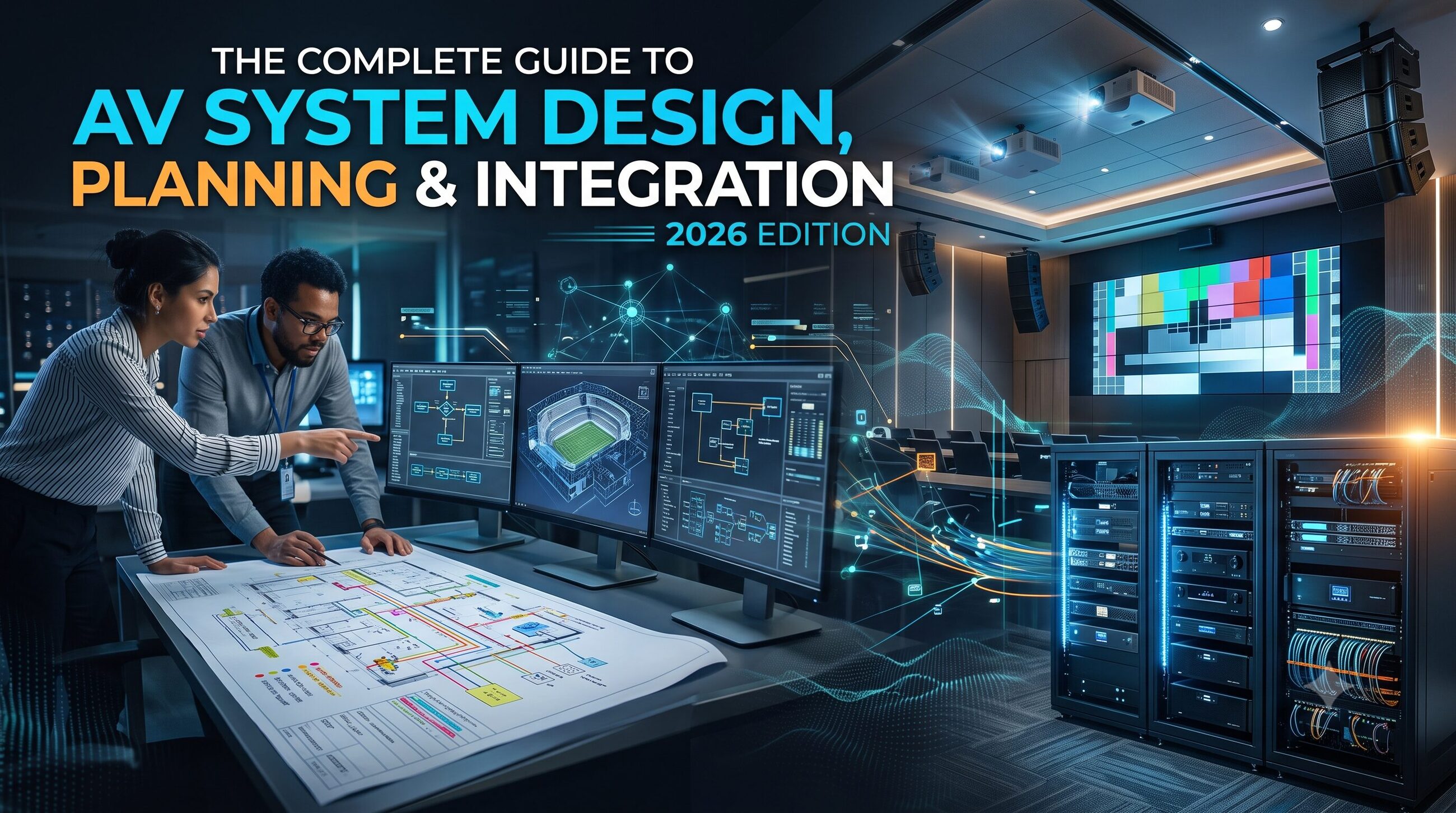
AV system design is the process of planning, selecting, configuring, and integrating audiovisual technologies to meet the communication needs of a space. It combines audio equipment, video displays, microphones, cameras, control systems, networking, cabling, and room infrastructure into one coordinated solution.
In 2026, effective audiovisual system design goes beyond installing speakers and screens. Businesses, schools, government facilities, courtrooms, and conference spaces need AV systems that are reliable, easy to operate, scalable, and compatible with modern IT infrastructure.
A successful AV integration project starts with understanding the users and the room, then translating those requirements into technical drawings, equipment specifications, installation plans, and testing procedures.
This guide explains how to plan an AV system, select the right equipment, coordinate installation, avoid common design mistakes, and prepare an audiovisual solution for long-term performance.
Key Takeaways
AV system design connects audio, video, control, and network technologies into a coordinated system.
Successful planning begins with user requirements, room measurements, acoustic conditions, and infrastructure assessment.
Equipment selection should consider performance, compatibility, usability, maintenance, and future expansion.
AV drawings, signal-flow diagrams, floor plans, and rack layouts help installers understand how the system should work.
Integration includes installation, programming, commissioning, testing, and user training.
Industry guidance from AVIXA can help AV professionals establish consistent design and verification practices.
What Is AV System Design?
AV system design is the technical and practical planning of an audiovisual environment. It determines which devices are required, where they should be installed, how signals will travel between them, and how users will control the system.
For example, a corporate meeting room might require a display, conferencing camera, microphones, loudspeakers, a room control panel, and connections to a video conferencing platform. An AV designer ensures these components work together rather than functioning as disconnected devices.
A typical audiovisual system may include:
Audio equipment: microphones, loudspeakers, amplifiers, digital signal processors, and audio mixers.
Video equipment: displays, projectors, cameras, video switchers, and signal extenders.
Control systems: touch panels, button interfaces, automation processors, and room-control software.
Connectivity: HDMI, USB, network cabling, wireless presentation, and other supported signal connections.
Infrastructure: equipment racks, power distribution, cable pathways, ventilation, and mounting hardware.
The design must account for the physical room, intended activities, user experience, and technical limitations.
Why Is AV System Planning Important?
AV system planning reduces installation errors, compatibility issues, unexpected costs, and operational difficulties. It also helps the project team coordinate audiovisual requirements with architects, electrical contractors, IT teams, and facility managers.
Without proper planning, a room might have a display that is too small for distant viewers, microphones that capture excessive background noise, or insufficient rack space for the selected equipment.
A structured design process helps teams:
Establish a realistic project budget.
Identify technical requirements before procurement.
Coordinate cabling and equipment locations with construction plans.
Improve audio intelligibility and visual performance.
Simplify installation, testing, and troubleshooting.
Support future upgrades without redesigning the entire system.
For professional projects, consult applicable AVIXA standards and project-specific requirements rather than relying on assumptions or generic equipment recommendations.
Step-by-Step AV System Design Process
1. Define the Project Requirements
Start by identifying what the AV system must accomplish. Speak with the people who will use and maintain it, including employees, presenters, IT administrators, facilities teams, and accessibility representatives.
Ask questions such as:
Will the room support meetings, training, presentations, live events, or remote collaboration?
How many people will use the space?
Will users bring their own laptops or other devices?
Is video conferencing required?
Should users control the room through a touch panel?
What are the budget, installation deadline, and maintenance expectations?
Document the answers in a requirements brief. This document becomes the foundation for equipment selection, system architecture, and project approvals.
2. Assess the Room and Existing Infrastructure
Conduct a site survey before finalizing the design. Measure the room and identify seating positions, viewing distances, ceiling heights, windows, lighting conditions, acoustic surfaces, power outlets, network connections, and cable routes.
Room conditions can significantly affect AV performance. Bright ambient light may reduce projected image visibility, while hard surfaces can create excessive reverberation. Poorly planned equipment locations can obstruct sightlines or make maintenance difficult.
For learning environments, see the Training Room AV Design Guide: How to Design a High-Performance Learning Space for room-specific planning considerations.
For projects involving unusual or below-ground spaces, the guide 10 Basement Floor Plans for AV Designers & Consultants can support floor-plan research and spatial planning.
3. Design the Audio System
Audio design should prioritize clear, consistent sound throughout the intended listening area. The appropriate configuration depends on room size, seating layout, background noise, speech or music requirements, and the type of content being delivered.
Common audio components include microphones, loudspeakers, amplifiers, digital signal processors (DSPs), and audio interfaces.
Design considerations include microphone placement, loudspeaker coverage, acoustic treatment, feedback control, and signal processing. Large or complex rooms may require detailed acoustic analysis and coverage modeling.
Avoid selecting speakers based only on power ratings. Their placement, directivity, room acoustics, and relationship to the listening area also influence performance.
For deeper guidance on equipment selection and acoustic planning, interlink The Complete Sound System Design Guide (2026).
4. Plan Video Displays and Signal Distribution
Video system design determines how visual content will be displayed, connected, switched, and distributed.
Depending on the application, the system may use flat-panel displays, projection systems, video walls, conferencing cameras, or multiple displays. Selection should account for viewing distance, image size, resolution, brightness, ambient light, viewing angles, and content type.
The designer must also verify signal compatibility. For example, a source device, switcher, extender, and display must support the required resolution, refresh rate, and relevant connection standards.
Create a signal-flow diagram showing how sources connect to processors, switchers, distribution equipment, and displays. This makes installation and troubleshooting easier.
5. Select AV Control and Integration Technologies
An integrated AV system should be easy to operate. A user should be able to start a meeting, select a source, adjust volume, and shut down the room without understanding the underlying technical configuration.
Control options may include touch panels, physical buttons, software interfaces, or automated room functions.
Before selecting a control platform, confirm compatibility with the intended devices, communication protocols, network architecture, and user requirements. Document what each control action should do and how the system should respond when a device is unavailable.
Where AV equipment connects to an organization's IT network, coordinate with IT teams on network access, device security, addressing, and remote management policies.
6. Create AV Drawings and Documentation
Technical documentation turns the design concept into an installation-ready plan. It should clearly communicate equipment locations, connections, cable routes, mounting details, and system behavior.
Typical AV project documents include:
Floor plans showing displays, speakers, cameras, microphones, and equipment locations.
Signal-flow diagrams illustrating audio, video, control, and network paths.
Schematic drawings showing system connections.
Rack elevations showing equipment positions and service access.
Cable schedules and labeling plans.
Equipment lists, specifications, and installation notes.
Floor-plan tools help teams coordinate AV devices with furniture, walls, ceilings, and other building elements. Explore How to Pick the Best Floor Plan Software for Your Needs when evaluating software for spatial planning.
For detailed wiring and connection documentation, interlink How to Choose the Best Schematic Drawing Software According to Your Needs.
7. Plan the AV Rack and Equipment Layout
An AV rack organizes processors, amplifiers, switchers, network devices, and other equipment in a manageable enclosure. A well-designed rack improves accessibility, cable management, serviceability, and equipment organization.
Plan rack capacity around the selected equipment, cable entry, ventilation, power distribution, physical loading, and future expansion. Confirm that devices can be safely installed and maintained according to their manufacturers' requirements.
Label cables and equipment consistently so technicians can identify connections during troubleshooting.
Wall-mounted racks can be useful where floor space is limited, but their suitability depends on equipment weight, wall construction, ventilation, and maintenance access. Review Wall Mount Audio Visual (AV) Racks: Complete Guide for additional guidance.
8. Coordinate Installation and Integration
AV integration brings the approved design into the physical environment. This stage may involve mounting displays, installing speakers and microphones, building equipment racks, pulling cables, configuring network connections, and programming control interfaces.
Coordination is essential. AV installers should work with electrical contractors, construction teams, IT administrators, and other trades to avoid conflicting cable routes, blocked access panels, or unsuitable mounting locations.
Before installation, verify the latest approved drawings, equipment availability, site readiness, and required permits or approvals.
For specialized facilities, design requirements may differ considerably. For example, What Is Courtroom AV? Complete Guide 2026 can provide context for systems used in legal environments, where recording, evidence presentation, speech intelligibility, and operational procedures may be important.
Fire and life-safety systems require particular care. Fire Alarm System Installation: Complete Guide for Commercial & Residential Projects is a related resource, but AV integration must not replace or compromise approved fire-alarm functions. Any interface with fire alarms or emergency notification systems should be designed and approved by qualified professionals in accordance with applicable local codes.
9. Test, Commission, and Train Users
Installation is not complete simply because every device powers on. Commissioning verifies that the system performs according to the approved design and project requirements.
Testing may include:
Checking audio coverage, intelligibility, and signal levels.
Verifying display performance, source switching, and supported formats.
Testing cameras, microphones, and video conferencing.
Confirming control-panel functions and automation sequences.
Inspecting cable labels, network connectivity, and rack organization.
Checking accessibility and the expected user workflows.
Documenting faults, corrective actions, and final test results.
AVIXA publishes resources and standards covering system performance verification, rack design, documentation, and other aspects of professional AV work. See its standards catalog.
Provide users with basic operating instructions and give the support team the final drawings, equipment schedules, configuration details, and maintenance information.
Common AV System Design Mistakes to Avoid
Even a well-funded project can underperform if essential planning details are missed. Common mistakes include:
Choosing equipment before defining requirements: This can result in unnecessary spending or missing functionality.
Ignoring room acoustics: Good equipment cannot automatically compensate for every acoustic problem.
Overlooking sightlines: Displays and cameras must work for the intended seating positions.
Skipping compatibility checks: Verify signal formats, connection types, control interfaces, and network requirements.
Undersizing the rack: Allow for ventilation, cabling, maintenance, and justified future expansion.
Neglecting documentation: Incomplete drawings and labels increase troubleshooting time.
Leaving testing until the end: Plan commissioning criteria early so performance can be verified systematically.
Ignoring long-term support: Consider warranties, spare parts, software updates, training, and maintenance access.
How Much Does AV System Design and Integration Cost?
AV project costs vary according to room size, equipment quality, system complexity, installation conditions, labor, programming, and commissioning requirements. A simple meeting room and a multi-room enterprise installation will have very different budgets.
When preparing an estimate, separate costs into categories such as:
Design, consultation, and site surveys.
Displays, projectors, cameras, microphones, and speakers.
Switching, processing, control, and networking equipment.
Racks, mounts, cabling, and installation materials.
Labor, configuration, programming, and commissioning.
Training, documentation, support, and future maintenance.
Request itemized proposals and confirm what is included or excluded. Compare the proposed performance and deliverables, not just the final price. For larger projects, consider the total cost of ownership, including maintenance and eventual equipment replacement.
Frequently Asked Questions (FAQs)
What are the main stages of AV system design?
The main stages are requirements gathering, site assessment, system planning, equipment selection, technical documentation, installation coordination, integration, commissioning, and user training.
What equipment is needed for an AV system?
A typical AV system may include displays or projectors, speakers, microphones, cameras, switchers, signal processors, control interfaces, cabling, network components, and equipment racks. The exact list depends on the room's purpose and technical requirements.
What is the difference between AV design and AV integration?
AV design defines the system architecture, equipment, connections, layout, and performance requirements. AV integration installs, configures, programs, and tests the selected components so they work together as intended.
Why are AV drawings important?
AV drawings communicate equipment positions, cable routes, signal paths, rack layouts, and connection details. They help installers coordinate work, reduce errors, and support future maintenance.
Which standards should AV designers follow?
AV designers should identify the standards and codes relevant to the project, location, system type, and client requirements. AVIXA publishes professional AV standards, while electrical, building, accessibility, networking, and life-safety requirements may also apply. Verify current editions and local requirements before implementation.
How can an AV system be made easier to maintain?
Use consistent cable labeling, accessible equipment layouts, clear documentation, standardized configurations where appropriate, and a planned testing and maintenance schedule. Ensure the client receives the final drawings and operating instructions.
Conclusion
Successful AV system design, planning, and integration depend on much more than selecting equipment. The process requires a clear understanding of users, room conditions, audio and video performance, infrastructure, system control, documentation, and long-term support.
By following a structured design process, coordinating with other project teams, and testing the finished system against documented requirements, organizations can create audiovisual environments that are reliable, easy to operate, and ready for future needs.
Whether you are planning a training room, conference facility, courtroom, or enterprise AV installation, begin with the requirements and build the technical solution around them. Use recognized industry guidance, maintain accurate documentation, and involve qualified professionals wherever specialist engineering, building codes, or life-safety requirements apply.