
AV Bill of Materials (BOM): Components, Examples, Software & Best Practices
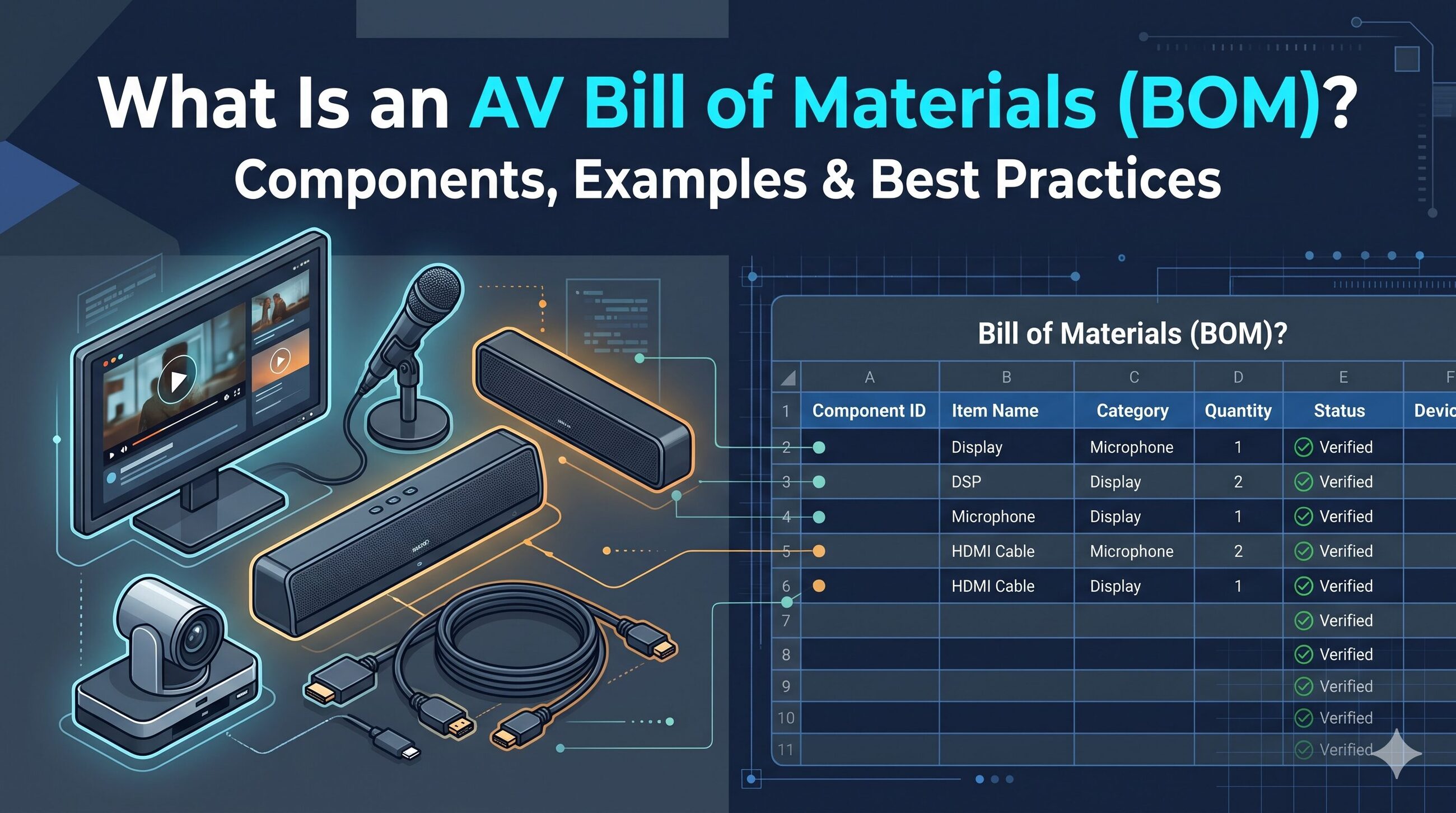
An Audio-Visual Bill of Materials (AV BOM) is a structured list of the equipment, components, accessories, and materials required to deliver an audio-visual system. It helps AV designers, consultants, integrators, procurement teams, and project managers understand what needs to be purchased, installed, configured, and documented.
A complete AV BOM typically includes manufacturer names, product descriptions, part numbers, quantities, unit costs, and extended costs. Depending on the project, it may also include cable types, mounting accessories, rack components, licenses, room references, and installation notes.
For AV professionals, an accurate BOM connects the system design with procurement, budgeting, installation, and project delivery. When the equipment schedule changes, the BOM must also be reviewed to prevent mismatched quantities, missing accessories, and unexpected costs.
This guide explains what an AV BOM is, why it matters, which components it should contain, how to create one, and how AV integration software and automation can improve the process.
Key Takeaways
An AV BOM lists the equipment and materials needed to implement an audio-visual system.
Essential fields include product names, manufacturer part numbers, quantities, unit prices, and total costs.
A well-maintained BOM supports procurement, budget control, installation planning, and documentation.
Manual spreadsheets can work for small projects but become harder to manage as project complexity increases.
AV design software can connect equipment schedules with schematic drawings and other project documents.
Automated BOM generation can reduce repetitive data entry, but human validation remains essential.
Revision control, product compatibility, and accessory verification are critical to BOM accuracy.
What Is an AV Bill of Materials?
An AV Bill of Materials, commonly called an AV BOM, is a detailed inventory of the products and materials required to build and deploy an AV system.
For example, a corporate conference room may require displays, cameras, microphones, loudspeakers, amplifiers, a video conferencing system, a control processor, network equipment, cables, connectors, and mounting hardware.
The AV BOM records these items in a structured format so stakeholders can identify what is required, how many units are needed, and how much the equipment is expected to cost.
Unlike a general equipment list, a well-prepared AV BOM includes sufficient product and quantity information to support purchasing and implementation.
What is the difference between an AV BOM and an equipment list?
An equipment list identifies the main devices included in a system. An AV BOM goes further by documenting the specific products, quantities, accessories, and cost information needed to deliver the project.
For example, an equipment list might identify a ceiling-mounted projector. The BOM may also include the exact projector model, mounting bracket, required signal cables, control accessories, and associated quantities.
The level of detail depends on the project's scope, specifications, and procurement requirements.
Why Is an AV BOM Important?
An AV BOM helps ensure that the equipment specified during design matches what is ordered and installed.
Without a reliable BOM, teams may overlook essential accessories, order incorrect quantities, use outdated product information, or exceed the approved budget.
1. Accurate budgeting and cost estimation
The BOM provides a structured view of equipment costs. By multiplying each item's quantity by its unit price, teams can calculate line-item costs and estimate the total equipment budget.
For example, if a project requires four displays at $800 each, the extended equipment cost for those displays is $3,200 before applicable taxes, discounts, or other charges.
2. Efficient procurement
Procurement teams need clear manufacturer details, model numbers, quantities, and approved substitutions to source the correct equipment.
A consistent BOM reduces ambiguity and makes it easier to request quotations from vendors.
3. Better project coordination
Designers, project managers, purchasing teams, installers, and clients can use the BOM as a shared reference. This helps everyone understand which products are included and identify changes before they affect installation.
4. Fewer installation delays
Missing cables, adapters, mounts, or rack accessories can prevent a system from being completed on schedule.
A detailed BOM makes it easier to identify supporting components before equipment arrives on-site.
5. Improved documentation and change management
When product models or quantities change, the BOM should reflect the approved revision. This creates a clearer record of what was specified, purchased, and delivered.
For broader implementation guidance, see The Complete Guide to AV System Design, Planning & Integration.
What Should an AV BOM Include?
The exact structure varies by project, but most AV BOMs benefit from the following fields.
| BOM field | Purpose |
|---|---|
| Item number | Identifies each line item |
| Category | Groups equipment by function |
| Manufacturer | Identifies the product manufacturer |
| Model or part number | Specifies the exact product |
| Product description | Explains the item's purpose |
| Quantity | Records the number of units required |
| Unit cost | Shows the cost per unit |
| Extended cost | Calculates quantity multiplied by unit cost |
| Supplier | Identifies the intended vendor, if known |
| Room or location | Connects equipment to a room or installation area |
| Status or revision | Helps track approval and changes |
| Notes | Records compatibility, accessories, or special requirements |
Additional fields may include lead time, warranty information, product availability, approved alternatives, and installation dependencies.
A BOM should contain enough information for procurement and installation teams to identify the correct products without unnecessary ambiguity.

Common Components in an AV BOM
An AV BOM may contain equipment from several technical categories.
Audio equipment
Audio components can include microphones, loudspeakers, amplifiers, audio processors, digital signal processors (DSPs), mixers, and audio interfaces.
The selection depends on room size, acoustic conditions, user requirements, and the intended application.
For example, a training room may need ceiling microphones and loudspeakers, while a courtroom may require microphones at counsel tables, the judge's bench, and witness positions.
Video equipment
Video components can include displays, projectors, projection screens, cameras, video switchers, distribution amplifiers, encoders, and decoders.
The BOM should identify the appropriate model and required supporting accessories.
Control and conferencing equipment
Control processors, touch panels, conferencing codecs, user interfaces, and control accessories help users operate the AV system.
These components should be checked against the system design to confirm that they support the intended functionality.
Cables and connectivity
Cabling can include HDMI, USB, Ethernet, balanced audio, speaker cable, fibre, and other connection types.
Cable requirements depend on signal type, distance, bandwidth, installation method, and applicable project specifications. Cable lengths should be calculated or verified rather than estimated without supporting information.
Racks, mounting hardware, and accessories
Equipment racks, shelves, brackets, mounting plates, power distribution, cable management, and other accessories are often necessary for a complete installation.
For projects involving centralized equipment, review the design requirements for Wall Mount Audio Visual (AV) Racks.
The BOM should account for the supporting hardware required to install and operate the specified devices.
How to Create an AV BOM: Step-by-Step Process
Creating a reliable AV BOM starts with understanding the project's requirements and ends with validating the final equipment schedule.
Step 1: Define the project requirements
Document the project type, number of rooms, user requirements, performance expectations, budget, and installation constraints.
A single conference room will have different requirements from a university campus, courtroom, auditorium, or multi-floor corporate facility.
Review architectural drawings and room layouts before specifying equipment. For space-planning requirements, related resources such as Basement Floor Plans and Best Floor Plan Software may help teams understand the relationship between building layouts and AV planning.
Step 2: Design the AV system
Identify the devices, signal paths, control requirements, network connections, and installation locations.
Use schematic diagrams and equipment layouts to show how components work together. Select devices based on functional requirements, interoperability, and project specifications.
For example, a training room AV design may include a display, camera, microphones, speakers, a conferencing platform, and a control interface. Each component should have a clear purpose within the system.
Explore Training Room AV Design for more information on planning these environments.
Step 3: Select specific products
Once the system requirements are defined, choose the products that meet them.
Record the manufacturer, model number, description, and quantity for every item. Verify product specifications and identify required accessories.
Do not assume that two products are interchangeable simply because they serve a similar function. Differences in connectivity, mounting, power requirements, licensing, and supported features can affect compatibility.
Step 4: Calculate quantities and costs
Determine how many units of each product are required and calculate the extended cost.
Formula:
Extended cost = Quantity × Unit cost
Then calculate the equipment subtotal and account for applicable discounts, taxes, shipping, and other project-specific charges.
If the BOM is used for a customer quotation, distinguish equipment costs from labor, services, contingency, and other commercial items where appropriate.
Step 5: Validate the BOM against the design
Compare the BOM with the schematic drawings, room layouts, rack elevations, and equipment schedules.
Check for:
Missing devices or accessories.
Duplicate line items.
Incorrect product numbers.
Inconsistent quantities.
Unsupported connections or compatibility issues.
Missing mounting and rack hardware.
Inaccurate cable requirements.
Products that have been discontinued or substituted.
For specialist installations, such as Courtroom AV or Fire Alarm System Installation, verify the relevant project specifications and applicable safety requirements. Fire alarm systems are life-safety systems and must be designed and installed by appropriately qualified professionals in accordance with applicable codes; they should not be treated as ordinary AV subsystems.
Step 6: Review, approve, and publish
Share the BOM with the relevant stakeholders for review. Resolve comments, document approved changes, and issue a clearly identified revision.
The approved version should be available to the people responsible for procurement, installation, and project management.
Step 7: Update the BOM when the design changes
Changes to room layouts, equipment models, cable routes, or client requirements can affect the BOM.
When the design changes, review quantities, pricing, compatibility, and procurement status. Avoid maintaining disconnected versions of the same BOM without a clear revision process.
Manual AV BOM Creation vs. Automated BOM Generation
Spreadsheets remain useful for small projects and straightforward equipment lists. They are accessible, flexible, and easy to share.
However, manual processes can become difficult to maintain when projects contain many rooms, hundreds of products, frequent revisions, or multiple stakeholders.
| Consideration | Manual spreadsheet | Integrated AV design workflow |
|---|---|---|
| Initial setup | Often straightforward | Depends on the platform and project |
| Data entry | Primarily manual | May reuse data from the design |
| Quantity updates | Require manual review | May update from linked design elements |
| Revision management | Depends on team processes | May provide versioning and change tracking |
| Compatibility checking | Usually requires manual verification | May offer validation features |
| Reporting | Custom formatting and formulas | May provide standardized outputs |
| Human review | Required | Still required |
Automation does not guarantee a correct BOM. Its value depends on the accuracy of the underlying product data, the quality of the design, and the validation process.
How AV Integration Software Improves BOM Management
AV integration software can connect system design, equipment selection, documentation, and project workflows.
Depending on the platform, these tools may allow designers to create schematics, assign equipment to rooms, generate equipment schedules, and export BOMs for procurement.
When evaluating AV Integration Software, consider whether it supports:
Product libraries with reliable model information.
Equipment quantities linked to design elements.
Clear revision and change-management workflows.
Exportable BOMs and equipment schedules.
Collaboration among designers and project stakeholders.
Integration with quotation, procurement, or project-management systems.
You can also compare XTEN-AV vs Jetbuilt to evaluate how different AV project platforms approach design, proposals, documentation, and equipment management.
For a broader comparison, see Top 10 BOM Management Software and AV Management Software.
The right platform depends on project complexity, team size, integration requirements, existing workflows, and budget.
The Role of AI and CAD Automation in AV BOM Creation
AI and automation can help reduce repetitive tasks in design and documentation workflows. Their practical value depends on the quality of the input data and the extent to which the tools integrate with the engineering process.
Generative CAD design
Generative CAD design uses computational methods to explore or produce design alternatives based on defined requirements and constraints.
In AV workflows, automation may assist with layout options or repetitive drawing tasks. However, an automatically generated layout still needs to be checked against room dimensions, device requirements, sightlines, cable routes, and installation constraints.
Learn more about Generative CAD Design.
AI automation in CAD
AI-assisted CAD workflows may help automate repetitive documentation, identify patterns, or support component selection.
Potential applications include extracting structured information from drawings, suggesting components from a product library, or identifying discrepancies between documents. These capabilities vary by tool and should not be assumed to exist in every AV design platform.
Explore AI Automation in CAD and Machine Learning in CAD for related concepts.
Traditional CAD vs. AI CAD
Traditional CAD relies primarily on explicit geometry, rules, commands, and user-defined workflows. AI-assisted CAD adds capabilities that may infer patterns, recommend alternatives, or automate selected tasks.
Neither approach removes the need for engineering judgment. Designers must verify dimensions, connectivity, product compatibility, and project specifications before approving the resulting documentation.
Read Traditional CAD vs AI CAD to understand the differences.
Best schematic drawing software
Schematic drawing software helps AV designers represent devices and the signal paths connecting them. A useful tool should support clear diagrams, consistent symbols, readable labels, and documentation that can be maintained as the design evolves.
When evaluating the Best Schematic Drawing Software, consider how well it supports product libraries, revision management, collaboration, and the generation or export of related equipment schedules.
Example: AV BOM for a Hybrid Training Room
Consider a hypothetical training room designed for in-person presentations and remote participants.
The system might include the following items:
| Component | Example quantity | Purpose |
|---|---|---|
| Large-format display | 1 | Presentation content |
| Video conferencing camera | 1 | Captures participants |
| Ceiling microphones | 2 | Captures room audio |
| Loudspeakers | 2 | Reproduces meeting audio |
| Audio DSP | 1 | Processes audio signals |
| Control processor | 1 | Coordinates system operation |
| Touch panel | 1 | Provides user control |
| Network switch | 1 | Connects supported network devices |
| AV cables and connectors | As required | Connects system components |
| Mounting hardware | As required | Secures equipment |
This is an illustrative equipment list, not a validated installation specification. Actual quantities depend on room dimensions, acoustic conditions, network architecture, equipment capabilities, and the approved design.
A complete BOM would add manufacturer names, exact model numbers, unit costs, extended costs, suppliers, and relevant installation notes. The designer should then compare the list against the final schematic and room layout before issuing it for procurement.
Common AV BOM Mistakes to Avoid
Using incomplete product information: Missing model numbers can result in incorrect purchasing decisions.
Forgetting accessories: Mounts, brackets, power supplies, adapters, and other required components may be overlooked.
Ignoring compatibility: Products that appear similar may not support the required signal formats, interfaces, or control protocols.
Using outdated pricing: Equipment costs and availability can change. Confirm supplier pricing and lead times before finalizing a purchase.
Failing to track revisions: An outdated BOM can conflict with the approved design and create installation problems.
Assuming automation is always accurate: Generated quantities, product recommendations, and extracted information should be validated before procurement.
Mixing equipment and service costs without explanation: Separate equipment, labor, installation, configuration, and other commercial costs where appropriate so stakeholders can understand the project budget.
Best Practices for Effective AV BOM Management
To maintain a reliable BOM throughout the project lifecycle:
Establish a standard BOM template with consistent fields and naming conventions.
Use verified manufacturer data and exact model numbers.
Link equipment items to rooms, drawings, and other relevant documentation.
Validate compatibility, quantities, and accessories before approval.
Record revisions and clearly identify the current approved version.
Confirm pricing, stock availability, and lead times before purchasing.
Use automation where it reduces duplication without compromising engineering review.
Keep procurement, design, and installation teams aligned on approved changes.
These practices help teams maintain consistency from initial design through purchasing, installation, and handover.
Frequently Asked Questions About AV BOMs
What does AV BOM stand for?
AV BOM stands for Audio-Visual Bill of Materials. It is a structured list of the equipment and materials required to implement an audio-visual system.
What information should an AV BOM contain?
A typical AV BOM contains item descriptions, manufacturers, model numbers, quantities, unit costs, total costs, and supplier details where available. More detailed BOMs may include room references, revision status, accessories, lead times, and installation notes.
What is the difference between an AV BOM and an AV schematic?
An AV schematic shows how system components connect and how signals flow between devices. An AV BOM identifies the products and quantities needed to build the system. Both documents support implementation, but they serve different purposes.
Can AV design software generate a BOM automatically?
Some AV design platforms can generate or update equipment schedules and BOMs from design data. Available functionality varies by platform. The resulting BOM should be checked against the approved drawings, product specifications, and project requirements.
Is Excel sufficient for AV BOM management?
Excel can be sufficient for small projects with limited equipment and infrequent changes. Larger projects may benefit from integrated software that connects equipment schedules with drawings, product data, revision management, and procurement workflows.
How does AI improve AV BOM creation?
Depending on the tool, AI may assist with data extraction, component suggestions, repetitive documentation, or discrepancy detection. AI does not guarantee accurate product selection or quantities, so technical review remains necessary.
Why is BOM revision control important?
Revision control helps ensure that procurement and installation teams work from the correct equipment list. It also makes it easier to identify changes in quantities, products, pricing, and specifications.
Conclusion
An AV Bill of Materials is a core document for planning, purchasing, and delivering an audio-visual system. It connects product selection with quantities, costs, installation requirements, and project documentation.
A reliable AV BOM should contain accurate product information, clearly defined quantities, appropriate accessories, and enough detail to support procurement and installation. It should also be reviewed whenever the system design changes.
For smaller projects, a structured spreadsheet may be sufficient. For more complex AV installations, integrated AV design software and automation can help reduce duplicate data entry, improve consistency, and connect the BOM with related documentation.
The most effective workflow combines structured product data, clear revision control, suitable software, and engineering review. This approach helps AV professionals produce more dependable equipment schedules and deliver projects with fewer avoidable procurement and installation issues.